1. Enter the Diameter
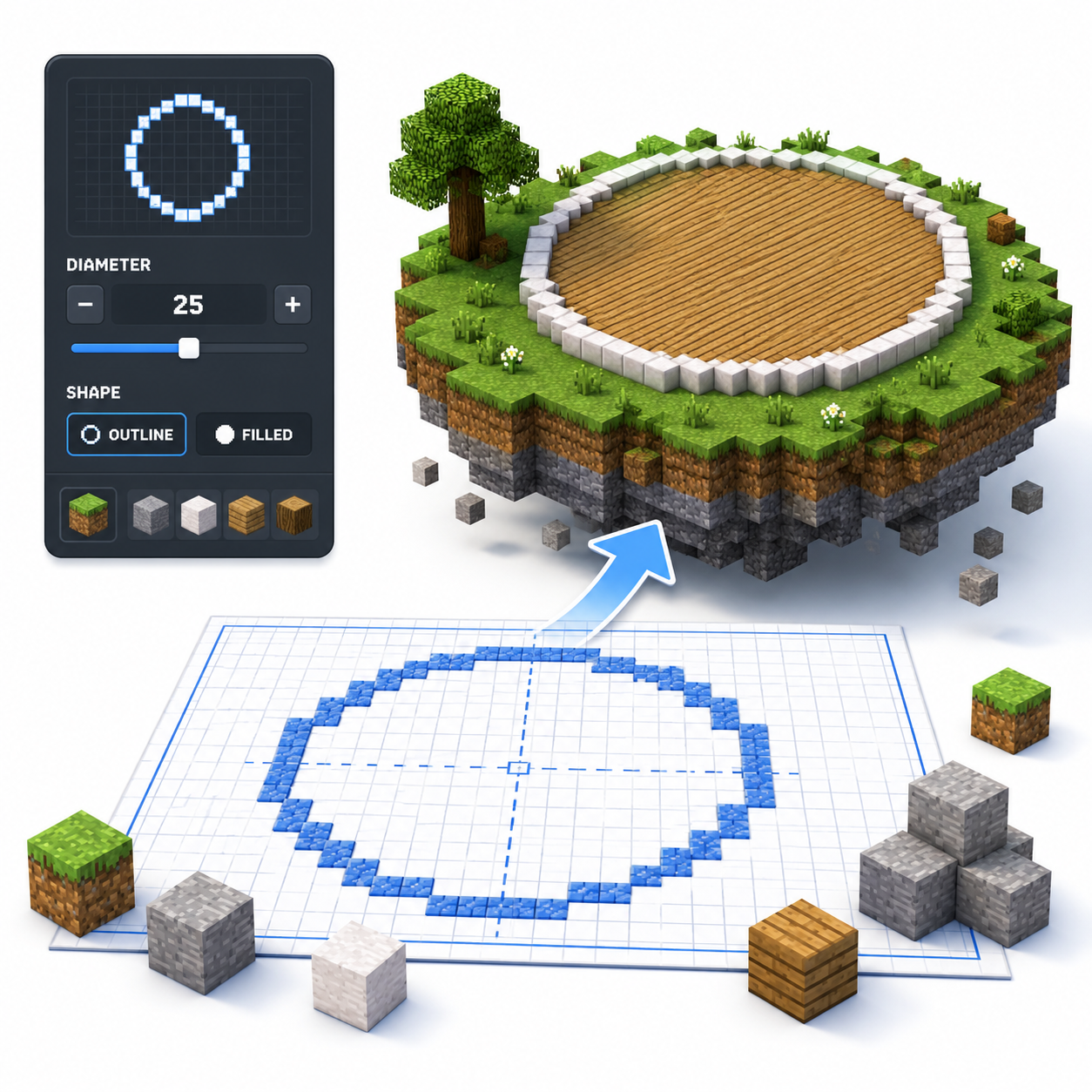
Choose the circle size in blocks. Use the diameter slider or enter an exact value for the width of your Minecraft build.
Free Block-by-Block Circle Blueprints
Create accurate block circles for Minecraft builds. Enter a diameter or radius, choose a hollow or filled style, and follow the generated block-by-block grid.
 Loved by 6.5M+ Minecraft users
Live block grid
How it works
Choose the circle size in blocks. Use the diameter slider or enter an exact value for the width of your Minecraft build.
Select outline mode for walls and towers, or filled mode for platforms, floors, ponds, and solid circular areas.
Review the generated square grid and follow the highlighted blocks to keep the circle symmetrical.
Save the blueprint reference so you can keep the pattern open while building in Minecraft.
Mark the center lines, copy the rows block by block, and mirror each side to complete the circle accurately.
Tool features
Experience an easier way to create accurate Minecraft circles with customizable sizes, outline and filled modes, symmetrical block layouts, and downloadable PNG blueprints.
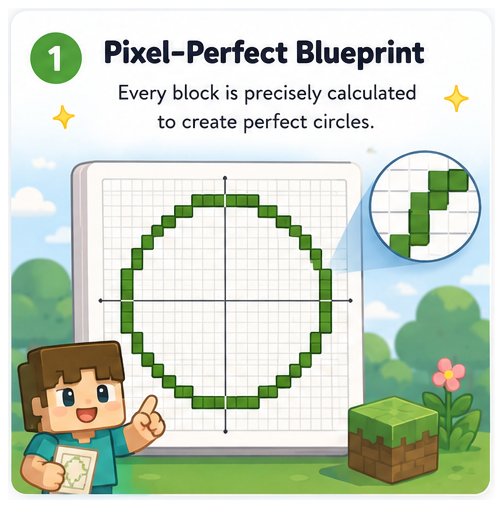
Create precise blueprints for Minecraft circles, ovals, spheres, and domes effortlessly. Our generator translates round shapes into a manageable square grid, ensuring you know exactly where each block goes. Simply enter your desired diameter from 1 to 256 blocks, and see your vision come to life in perfect detail!
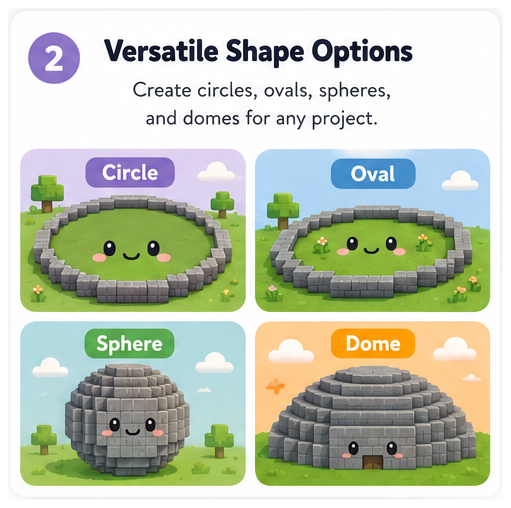
Easily switch between flat circles, stretched ovals, 3D spheres, and dome templates with a single tool. Each shape is customizable, allowing you to create the perfect design for your Minecraft projects without the hassle of using multiple applications.
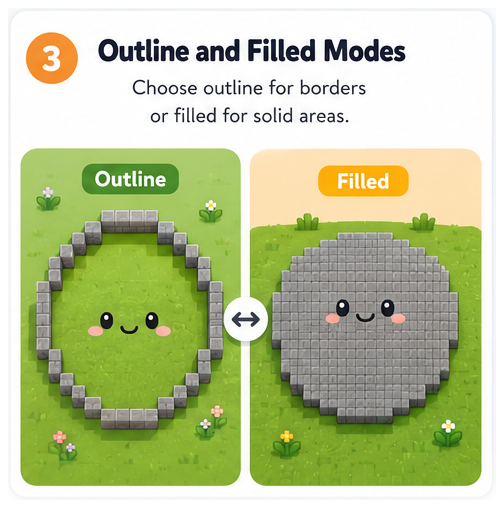
Choose between outline and filled modes to suit your building needs. Use outline mode for creating walls and towers, while filled mode is perfect for designing floors and platforms. This flexibility allows you to work on various types of projects seamlessly.
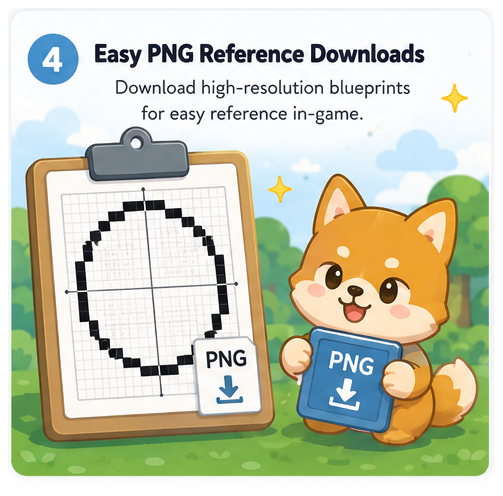
Download your generated blueprint as a PNG image, making it easy to reference while building in Minecraft. Keeping your blueprint open alongside your game ensures accuracy, especially for larger designs, allowing for a smoother and more enjoyable building experience.
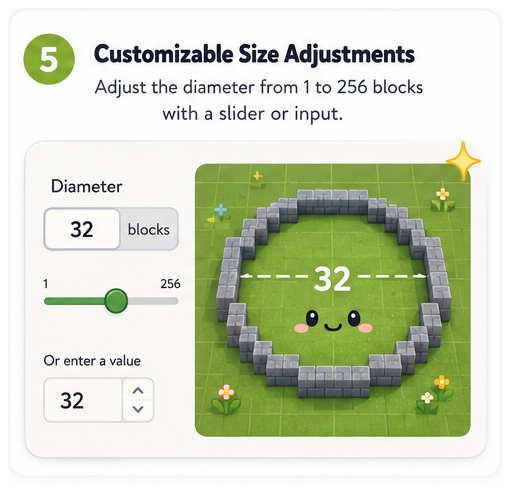
Select sizes from 1 to 256 blocks with ease! Adjust width and height separately for ovals, and use the intuitive diameter slider for circles, spheres, or domes. This feature ensures that you can craft perfectly scaled structures that fit your unique designs.
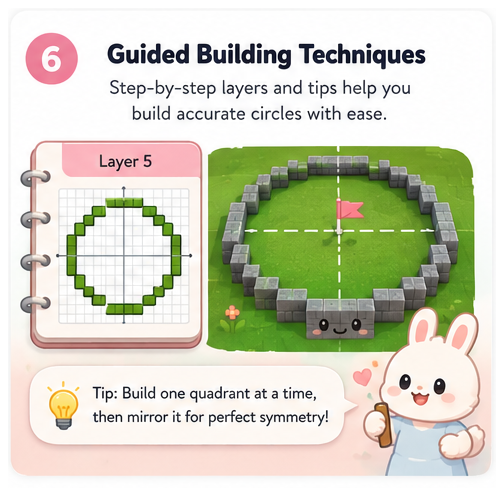
Follow our step-by-step building techniques to eliminate common mistakes in your Minecraft creations. From marking center points to mirroring quadrants, our guide ensures that your builds are symmetrical and visually appealing every time.
Size guide
You can generate any size from 1 to 256 blocks, but these diameters are the ones Minecraft builders use most often. Odd numbers are usually easier for towers and centered interiors because they have a single middle block.
| Diameter | Best Uses | Build Note |
|---|---|---|
| 5 blocks | Tiny wells, fence posts, decorative caps | Very blocky, but quick and useful for small details. |
| 7 blocks | Small towers, starter wells, compact rooms | The first size that starts to read clearly as round. |
| 9 blocks | Watchtowers, ponds, small roofs | Good for survival builds because the center is easy to mark. |
| 11 blocks | Medium towers, wizard huts, spiral stairs | Enough interior space for a ladder or simple stair column. |
| 15 blocks | Main tower floors, arenas, circular rooms | A strong default for builds that need usable interior space. |
| 21 blocks | Large towers, domes, base rooms | Looks smooth from normal viewing distance and still fits survival scale. |
| 31 blocks | Stadium corners, large plazas, monuments | Build one quadrant first, then mirror it to avoid mistakes. |
| 41 blocks | Mega base foundations, large arenas | Use grid lines and a center marker before placing the full outline. |
| 61+ blocks | Mega builds, city districts, huge domes | Download the PNG and work in sections so the pattern stays accurate. |
FAQ
A Minecraft Circle Generator is an online tool that converts a circle into a block-by-block pixel pattern. Enter the diameter, choose an outline or filled design, and use the generated grid as a blueprint for circular floors, towers, walls, platforms, and other Minecraft builds.
Enter the diameter of the circle you want to build, then choose outline or filled mode. The generator will create a symmetrical block pattern that you can copy into Minecraft. You can follow the grid on screen or download it as a PNG blueprint.
You can generate circles from 1 to 256 blocks in diameter. Smaller circles work well for decorative details, wells, and compact towers, while larger circles are better suited to arenas, large bases, platforms, and megabuilds.
Outline mode generates only the outer edge of the circle. It is useful for circular walls, towers, rings, and building foundations.
Filled mode includes every block inside the circle. It is better for floors, platforms, ponds, roofs, and solid circular areas.
The generator calculates the number of blocks required for the selected diameter and mode. A filled circle normally requires more blocks than an outline circle of the same size.
Check the block count before building so you can prepare enough materials, especially in Survival Mode.
Yes. You can download the generated circle pattern as a PNG image and keep it open while building in Minecraft. This is especially useful for large circles where counting each row directly in the game can be difficult.
Yes. You can export supported shapes as a .schem file for use with compatible tools such as WorldEdit. You will need a supported Minecraft Java environment, the appropriate tool or server plugin, and permission to load and paste schematics. Compatibility may vary by Minecraft and WorldEdit version.
Use the PNG blueprint when building manually in Survival Mode, vanilla Minecraft, or on a device without schematic support. Use the .schem file when working with a compatible editor or WorldEdit setup, especially for large circles, spheres, and domes.
.schem is primarily used in compatible Java Edition editing workflows. Bedrock Edition users may need a different conversion or editing tool, so check the supported format and version before downloading.
Start by marking the horizontal and vertical center axes. Build one quarter of the circle from the generated pattern, then mirror it across the other three sections.
Odd-diameter circles have a single center block. With an even diameter, the center lies between the four middle blocks, so follow the grid carefully rather than looking for one central block.
Common mistakes include entering the wrong diameter, confusing outline and filled mode, miscounting repeated rows, and failing to mirror each side correctly.
Mark the center axes first, check each row against the blueprint, and inspect the complete circle from above before adding walls or height.
Use the dedicated Minecraft Oval Generator for shapes with different widths and heights.
For three-dimensional structures, use the Minecraft Sphere Generator or Minecraft Dome Generator to view the required block layouts layer by layer.
No. The Minecraft Circle Generator runs directly in your web browser and does not require a mod, plugin, command block, or world editor. You only need the generated blueprint and Minecraft to build the circle manually.
Testimonials
See how Minecraft builders, streamers, survival players, and new creators use the generator to plan accurate circles, ovals, spheres, and domes faster.
The Minecraft Circle Generator is an absolute game-changer! I was struggling to create perfect circles for my builds, but this tool made it so easy. Just input the diameter and it gave me a clear blueprint to follow. The filled and outline options are perfect for different types of projects. Highly recommend it!
★★★★★I love using the Circle Generator for my Minecraft creations! It simplifies the process of building ovals and spheres, making my designs look way better. The PNG download feature is fantastic, allowing me to keep the blueprint handy while I build. This tool has really improved my gameplay!
★★★★★As a Minecraft architect, precision is key. The Circle Generator has been a lifesaver, providing pixel-perfect blueprints for all my circular designs. I particularly appreciate the layered sphere feature, which gives a clear view of each level. It is easy to use, and I cannot imagine building without it!
★★★★★I started using the Minecraft Circle Generator for my streams, and my viewers love it! It takes the guesswork out of building circles and domes, which makes for smoother gameplay. The ability to switch between outline and filled modes is a major plus. This is a must-have tool for any Minecraft enthusiast!
★★★★★This tool is simply amazing! I often struggle with making round shapes in Minecraft, but the Circle Generator provides precise blueprints that I can easily follow. The common sizes guide helped me decide on the best diameter for my builds. It has saved me so much time and frustration!
★★★★★
As a new player, I found the Minecraft Circle Generator incredibly helpful. The step-by-step guide made it easy to understand how to build circles and domes. I love that I can create blueprints for different shapes and sizes, and the tool is super user-friendly. Definitely a great resource!
★★★★★